Skip to content
  • Home
  • Windows 7
  • Photoshop
  • Windows 10 Tricks
  • AutoCAD Tips
  • MS Word
  • Corel
  • Terms of Service
  • Privacy Policy
  • Sitemap

Best Tutorials

Best Platform for Educational Tutorials

Primary Menu

Best Tutorials

  • Home
  • Windows 7
  • Photoshop
  • Windows 10 Tricks
  • AutoCAD Tips
  • MS Word
  • Corel
  • Terms of Service
  • Privacy Policy
  • Sitemap

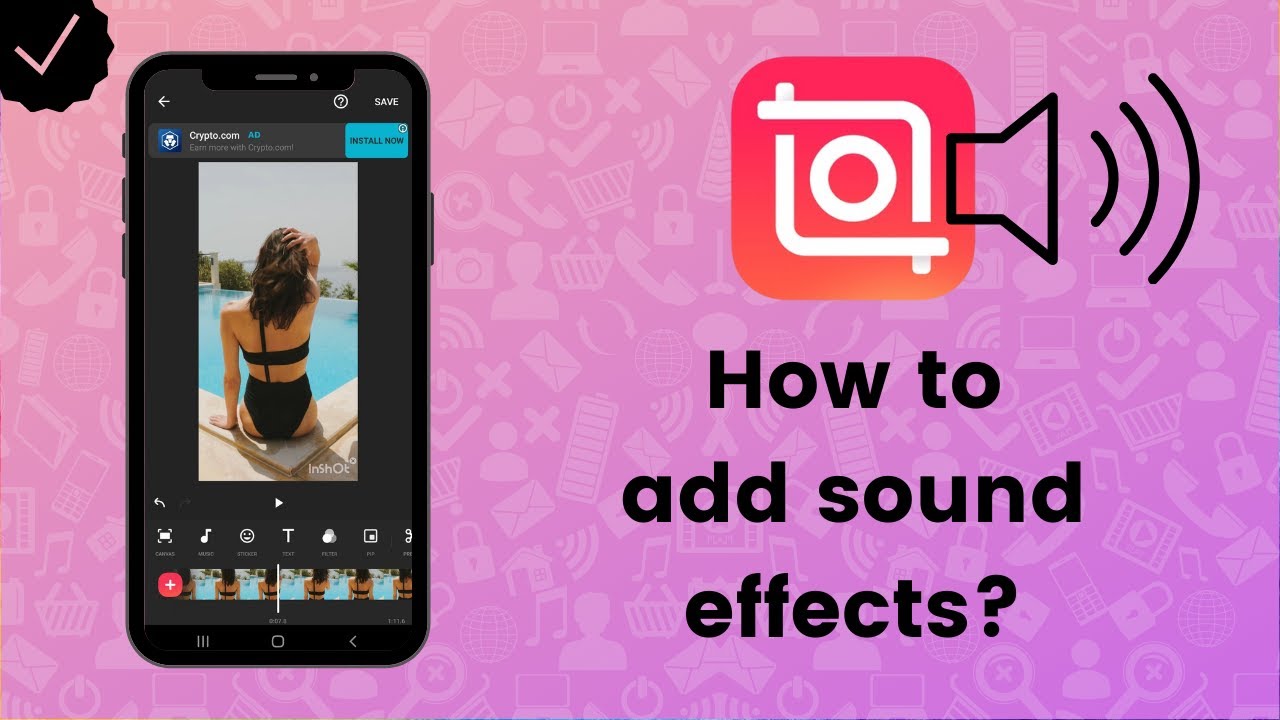
How to Add Music and Sound Effects in InShot

Continue Reading

Previous Mastering Audio Enhancement: A Comprehensive Guide to Adding Music and Sound Effects in InShot
  • Home
  • Windows 7
  • Photoshop
  • Windows 10 Tricks
  • AutoCAD Tips
  • MS Word
  • Corel
  • Terms of Service
  • Privacy Policy
  • Sitemap

Recent Posts

  • How to Convert Your Old Wired Mechanical Keyboard to Wireless Using a Hidden Bluetooth Micro-Controller
  • Setting Up a Local “AI Lab”: How to Run Large Language Models (LLMs) Locally on a Windows PC
  • How to Calibrate Your Smartphone Screen to Match Your PC Monitor for Accurate Social Media Posting
  • The Ultimate Setup for Remote Workers: Connecting Two Laptops to One Monitor and Keyboard Set
  • 23 How to Sync Your Obsidian Knowledge Base Across Windows and Android Without Using Paid Cloud Services
  • The Best OBS Studio Settings for Recording 4K Software Tutorials Without Dropping Frames
  • How to Use a Tablet as a Dedicated Photoshop Macro Pad via OSC (Open Sound Control) Protocols
  • The Guide to Configuring Windows 11 HDR Settings for Color-Accurate Video Editing and Photo Work
  • How to Run Multiple Versions of the Same Software on Windows 11 Using Portable Apps and Symlinks
  • Fixing the “0x803F8001” Windows Update Error: A Definitive Guide for 2026 Systems
  • The Best Windows Task Manager Hacks for Identifying Which App is Draining Your Laptop Battery
  • How to Use Windows Subsystem for Android (WSA) to Run Mobile Photo Editing Apps on Your PC
  • Fixing Windows 11 Sound Stuttering: How to Manage Audio Enhancements and Sample Rates Manually
  • The Complete Guide to Using Windows “Sandbox” to Safely Test Suspicious Software and Apps
  • How to Permanently Disable Unnecessary Windows 11 Background Processes to Reclaim 2GB of RAM

You may have missed

How to Convert Your Old Wired Mechanical Keyboard to Wireless Using a Hidden Bluetooth Micro-Controller
  • How To Guides

How to Convert Your Old Wired Mechanical Keyboard to Wireless Using a Hidden Bluetooth Micro-Controller

James April 24, 2026
Setting Up a Local "AI Lab": How to Run Large Language Models (LLMs) Locally on a Windows PC
  • How To Guides

Setting Up a Local “AI Lab”: How to Run Large Language Models (LLMs) Locally on a Windows PC

James April 22, 2026
How to Calibrate Your Smartphone Screen to Match Your PC Monitor for Accurate Social Media Posting
  • How To Guides

How to Calibrate Your Smartphone Screen to Match Your PC Monitor for Accurate Social Media Posting

James April 20, 2026
The Ultimate Setup for Remote Workers: Connecting Two Laptops to One Monitor and Keyboard Set
  • How To Guides

The Ultimate Setup for Remote Workers: Connecting Two Laptops to One Monitor and Keyboard Set

James April 18, 2026
How to Sync Your Obsidian Knowledge Base Across Windows and Android Without Using Paid Cloud Services
  • How To Guides

23 How to Sync Your Obsidian Knowledge Base Across Windows and Android Without Using Paid Cloud Services

James April 16, 2026
Copyright © All rights reserved. | CoverNews by AF themes.