Disabling PCIe Link State Power Management to Fix Random Micro-Stutters in Audio and Video
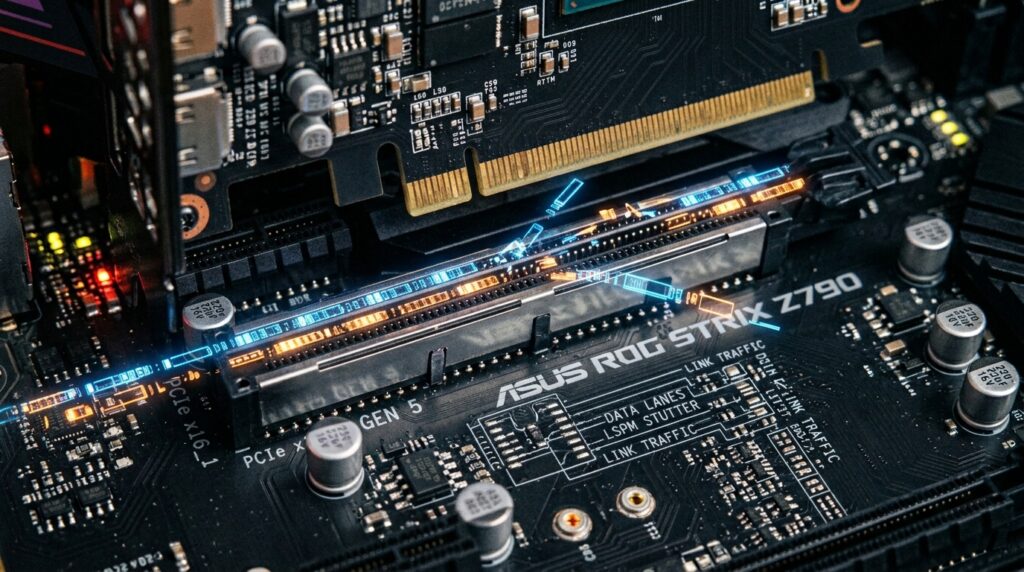
Disabling PCIe Link State Power Management to Fix Random Micro-Stutters in Audio and Video
Microstutters that occur randomly during the playing of audio and video are among the most aggravating performance problems that may arise on Windows computers. This is due to the fact that they often occur even when the total hardware use seems to be low. During viewing, gaming, or real-time media processing, users may not be able to anticipate whether they will encounter momentary audio crackles, skipped video frames, delayed input response, or short freezes. These issues may occur anywhere on the device. In the majority of instances, these interruptions are not brought on by malfunctioning hardware but rather by aggressive power-saving features that are built into the operating system and the firmware of the motherboard. PCIe Link State Power Management is a feature that is often disregarded. Its purpose is to limit the amount of power that is used by PCI Express devices by dynamically putting them into lower power states during times of inactivity. It is possible for this feature to cause latency spikes when devices quickly transition between power levels, despite the fact that it is efficient for extending the life of batteries and conserving energy. By disabling PCIe Link State Power Management, it is possible to stabilize communication between the central processing unit (CPU) and its PCIe-connected devices, therefore minimizing unpredictable micro-stutters and boosting the performance of real-time media.
Gaining an Understanding of the Operation of PCIe Link State Power Management
The Advanced Configuration and Power Interface system, which Windows employs to cut down on energy usage, includes PCIe Link State Power Management as one of its components. This feature regulates the behavior of PCI Express connections while the devices that are linked to them are not being used or are carrying a low load. Rather of continuously maintaining full-speed communication, the system puts PCIe connections into lower power modes in order to preserve energy and limit the amount of heat. Upon the resumption of activities, the connection is restored to its full performance mode. Despite the fact that these changes take place in a short amount of time, they might nonetheless cause slight delays in the transfer of data. This behavior is undetectable for the vast majority of normal workloads; but, real-time audio and video processing are very sensitive to even short disruptions in hardware connectivity.
What Causes Micro-Stutters as a Result of Power State Transitions
Applications that need low-latency, such as audio playing and video rendering, are dependent on the continuous transmission of data between the various components of the system. It is possible for latency spikes to develop during the reactivation process when PCIe devices continuously enter and leave low-power states. There is a possibility that these delays may only endure for a few milliseconds; yet, this is sufficient to create synchronization problems, disrupt audio buffers, and delay the transmission of visual frames. Due to the fact that they are dependent on PCIe communication routes, graphics cards, audio interfaces, network adapters, and storage controllers are all susceptible to it. Due to the fact that strong power-saving practices induce more frequent state changes, systems that have been substantially tuned for energy efficiency are particularly susceptible to such vulnerabilities. In spite of the fact that the CPU and GPU use is relatively low, the disruptions that arise look as sporadic micro-stutters.
Symptoms That Are Typically Associated with PCIe Power Management
PCIe power management is the source of micro-stutters, which often manifest in an unpredictable manner, making it challenging to identify. During the process of playing music or streaming services, users could experience momentary audio pops, distorted sound, or even very brief pauses. There is a possibility that the video playing may display a short freeze or a little skipping of frames, especially in surroundings with a high resolution or rapid refresh rate. Despite the fact that frame rate counts are consistent, gamers may suffer abrupt abnormalities in the time between frames. Real-time audio production software has the potential to increase the likelihood of latency spikes or synchronization drift occurring in professional workflows. The fact that these symptoms manifest themselves seldom leads to the common misconception that they are caused by driver instability or hardware problems rather than by power management behavior.
The Manner in Which Windows Manages the PCIe Link State Settings
Through the use of the sophisticated options included inside power plans, Windows is able to regulate PCIe Link State Power Management. The degree to which PCIe devices should actively enter low-power states is determined by the operating system, and this determination is based on the power profile that is specified. Plans that are balanced and power-saving often allow for moderate or maximum power savings, but high-performance profiles limit the transitions that occur during these modes of operation. On the other hand, even setups that are focused on performance could nevertheless permit partial link state management unless something is expressly disabled. Coordinating power behavior over the PCIe bus is the responsibility of the operating system, which transmits these rules to the motherboard chipset and any associated devices. By removing the option at the operating system level, it is frequently possible to remedy difficulties without having to make any adjustments to the hardware. This control structure is vital to understand!
Turning off the Link State Power Management in a Secure Manner
The disabling of PCIe Link State Power Management is usually considered to be safe for desktop computers and workstations that are focused on performance. PCIe devices, once deactivated, continue to operate in an active communication state rather than cycling through low-power modes. The delay that is caused by fast state changes is eliminated as a result of this, and sensitive applications benefit from a more continuous flow of data. An increase in idle energy use and a little increase in power consumption are the tradeoffs, although the difference is often negligible on desktop technology. When it comes to laptops, removing the function may result in a little reduction in battery life; thus, users need to strike a balance between stability and energy economy. This change, when implemented correctly, has the potential to dramatically increase playback smoothness and lessen the occurrence of sporadic stutter episodes.
An Analysis of the Connection Between PCI Express Devices and Real-Time Performance
PCI Express-connected hardware is an essential component for modern systems since it enables high-speed communication. Graphics cards, NVMe storage devices, audio interfaces, capture cards, and network adapters are all dependent on low-latency PCIe connectivity in order to perform at their highest potential. Workloads that need real-time processing, such as video editing, gaming, streaming, and digital audio creation, are particularly susceptible to delays in communication within this subsystem. Even even tiny disruptions have the potential to affect synchronization and cause playback problems that are noticeable. Through the maintenance of a stable PCIe communication state, the system lessens the likelihood of delayed packet delivery and enhances the uniformity of timing across all linked devices.
Understanding the Difference Between PCIe Stutters and Driver or Thermal Issues
PCIe power management is not the source of all micro-stutters; thus, it is essential to make an appropriate diagnostic before making any adjustments. Thermal throttling, unstable drivers, background activities, and storage delay are all potential causes of symptoms that are comparable to one another. Nevertheless, stutters that are associated with PCIe often occur without accompanying increases in the use of the CPU or GPU. They also have a tendency to emerge more sporadically, and they could vanish momentarily under prolonged system strain at times when devices are continually active. Observing the behavior of delay and experimenting with various power levels might be helpful in determining the underlying problem. After removing Link State Power Management, if there is a large reduction in the number of stutters, it is probable that the problem was one of PCIe latency transitions rather than hardware instability.
Keeping the Performance of the System Stable and Low-Latency throughout
The disabling of PCIe Link State Power Management is only one component of the whole process of ensuring that multimedia performance remains smooth. There are a number of factors that contribute to a decreased system latency, including updated chipset drivers, reliable GPU drivers, optimal power plans, and limited background activities. It is beneficial for systems that are utilized for professional audio or high-refresh-rate media workloads to minimize aggressive power-saving actions whenever it is practicable to do so. Monitoring the temperatures and the stability of the system on a regular basis also helps to guarantee that the performance remains constant over time. Users are able to build a more stable environment for demanding real-time audio and video applications by giving priority to low-latency communication and limiting the number of power transitions that are not essential.