





Skip to content
  • Home
  • Windows 7
  • Photoshop
  • Windows 10 Tricks
  • AutoCAD Tips
  • MS Word
  • Corel
  • Terms of Service
  • Privacy Policy
  • Sitemap

Best Tutorials

Best Platform for Educational Tutorials

Primary Menu

Best Tutorials

  • Home
  • Windows 7
  • Photoshop
  • Windows 10 Tricks
  • AutoCAD Tips
  • MS Word
  • Corel
  • Terms of Service
  • Privacy Policy
  • Sitemap
Flash Story
How to Force Specific Windows Apps to Run on E-Cores vs. P-Cores How to Force Specific Windows Apps to Run on E-Cores vs. P-Cores Bypassing Windows Virtualization-Based Security (VBS) for Accurate CPU Benchmarking Bypassing Windows Virtualization-Based Security (VBS) for Accurate CPU Benchmarking How to Hard-Limit VRAM Usage for Background Apps to Prevent Benchmark Stuttering How to Hard-Limit VRAM Usage for Background Apps to Prevent Benchmark Stuttering The Hidden Method to Rasterize Complex Vector UI Mockups Without Blurry Edges The Hidden Method to Rasterize Complex Vector UI Mockups Without Blurry Edges How to Stop Photoshop from Auto-Converting PNG UI Assets to CMYK on Import How to Stop Photoshop from Auto-Converting PNG UI Assets to CMYK on Import

Main Story

How to Force Specific Windows Apps to Run on E-Cores vs. P-Cores
  • Windows 10 Tricks

How to Force Specific Windows Apps to Run on E-Cores vs. P-Cores

James May 30, 2026
Bypassing Windows Virtualization-Based Security (VBS) for Accurate CPU Benchmarking
  • How To Guides
  • Windows 10 Tricks

Bypassing Windows Virtualization-Based Security (VBS) for Accurate CPU Benchmarking

James May 27, 2026
How to Hard-Limit VRAM Usage for Background Apps to Prevent Benchmark Stuttering
  • How To Guides

How to Hard-Limit VRAM Usage for Background Apps to Prevent Benchmark Stuttering

James May 24, 2026
The Hidden Method to Rasterize Complex Vector UI Mockups Without Blurry Edges
  • Photoshop

The Hidden Method to Rasterize Complex Vector UI Mockups Without Blurry Edges

James May 21, 2026
How to Stop Photoshop from Auto-Converting PNG UI Assets to CMYK on Import
  • Photoshop

How to Stop Photoshop from Auto-Converting PNG UI Assets to CMYK on Import

James May 19, 2026

Editor's Picks

How to Force Specific Windows Apps to Run on E-Cores vs. P-Cores
  • Windows 10 Tricks

How to Force Specific Windows Apps to Run on E-Cores vs. P-Cores

James May 30, 2026
Bypassing Windows Virtualization-Based Security (VBS) for Accurate CPU Benchmarking
  • How To Guides
  • Windows 10 Tricks

Bypassing Windows Virtualization-Based Security (VBS) for Accurate CPU Benchmarking

James May 27, 2026
How to Hard-Limit VRAM Usage for Background Apps to Prevent Benchmark Stuttering
  • How To Guides

How to Hard-Limit VRAM Usage for Background Apps to Prevent Benchmark Stuttering

James May 24, 2026
The Hidden Method to Rasterize Complex Vector UI Mockups Without Blurry Edges
  • Photoshop

The Hidden Method to Rasterize Complex Vector UI Mockups Without Blurry Edges

James May 21, 2026

Featured Story

How to Force Specific Windows Apps to Run on E-Cores vs. P-Cores
  • Windows 10 Tricks

How to Force Specific Windows Apps to Run on E-Cores vs. P-Cores

James May 30, 2026
Bypassing Windows Virtualization-Based Security (VBS) for Accurate CPU Benchmarking
  • How To Guides
  • Windows 10 Tricks

Bypassing Windows Virtualization-Based Security (VBS) for Accurate CPU Benchmarking

James May 27, 2026
How to Hard-Limit VRAM Usage for Background Apps to Prevent Benchmark Stuttering
  • How To Guides

How to Hard-Limit VRAM Usage for Background Apps to Prevent Benchmark Stuttering

James May 24, 2026
The Hidden Method to Rasterize Complex Vector UI Mockups Without Blurry Edges
  • Photoshop

The Hidden Method to Rasterize Complex Vector UI Mockups Without Blurry Edges

James May 21, 2026
How to Stop Photoshop from Auto-Converting PNG UI Assets to CMYK on Import
  • Photoshop

How to Stop Photoshop from Auto-Converting PNG UI Assets to CMYK on Import

James May 19, 2026
  • How To Guides
  • Windows 10 Tricks

A Comprehensive Exploration of How to Install New Themes in Windows 10

James March 6, 2024

Introduction: Windows 10, Microsoft's flagship operating system, offers users a customizable interface that can be personalized to suit individual preferences....

Read More
  • How To Guides
  • Windows 10 Tricks

A Comprehensive Guide on How to Pin a Website to Windows 10’s Start Menu

James March 6, 2024

Introduction: In the ever-evolving digital landscape, the Start Menu in Windows 10 serves as a gateway to seamless navigation and...

Read More
  • AutoCAD Tips
  • How To Guides

Mastering Design Elegance: A Comprehensive Guide to Using the Sweep Command in AutoCAD

James March 4, 2024

AutoCAD, a pioneer in the realm of computer-aided design (CAD), equips designers with a diverse set of tools for transforming...

Read More

Posts pagination

Previous 1 … 152 153 154 155 156 157 158 … 262 Next
  • Home
  • Windows 7
  • Photoshop
  • Windows 10 Tricks
  • AutoCAD Tips
  • MS Word
  • Corel
  • Terms of Service
  • Privacy Policy
  • Sitemap

Recent Posts

  • How to Force Specific Windows Apps to Run on E-Cores vs. P-Cores
  • Bypassing Windows Virtualization-Based Security (VBS) for Accurate CPU Benchmarking
  • How to Hard-Limit VRAM Usage for Background Apps to Prevent Benchmark Stuttering
  • The Hidden Method to Rasterize Complex Vector UI Mockups Without Blurry Edges
  • How to Stop Photoshop from Auto-Converting PNG UI Assets to CMYK on Import
  • Organizing Massive Photoshop Template Files Using Nested Artboards and Color Tags
  • How to Batch Replace the Background of Multiple YouTube Thumbnails Simultaneously
  • Fixing Jagged Diagonal Lines in Tech Product Thumbnails Using Sub-Pixel Antialiasing
  • Using Photoshop’s “Blend If” to Seamlessly Overlay Tech Logos onto Hardware Textures
  • How to Export Ultra-Crisp UI Screenshots for Web Without Color Profile Shifts
  • The Quickest Way to Isolate PC Components from Cluttered Backgrounds in Photoshop
  • Creating Reusable Hardware Benchmark Bar Charts in Photoshop Using Data-Driven Graphics
  • How to Automate Tech Blog Feature Image Resizing Without Losing Smart Object Quality
  • Fixing “Micro-Stutter” in Creative Apps: How to Optimize NVIDIA and AMD GPU Settings for Productivity
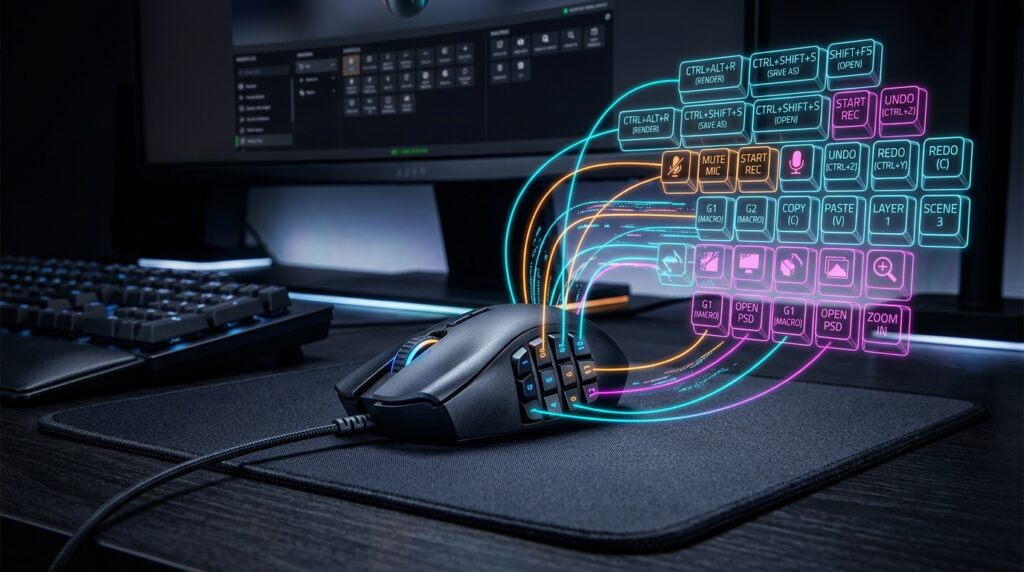
  • How to Use an Elgato Stream Deck to Control Photoshop Brushes and Layer Opacity Dynamically

You may have missed

How to Force Specific Windows Apps to Run on E-Cores vs. P-Cores
  • Windows 10 Tricks

How to Force Specific Windows Apps to Run on E-Cores vs. P-Cores

James May 30, 2026
Bypassing Windows Virtualization-Based Security (VBS) for Accurate CPU Benchmarking
  • How To Guides
  • Windows 10 Tricks

Bypassing Windows Virtualization-Based Security (VBS) for Accurate CPU Benchmarking

James May 27, 2026
How to Hard-Limit VRAM Usage for Background Apps to Prevent Benchmark Stuttering
  • How To Guides

How to Hard-Limit VRAM Usage for Background Apps to Prevent Benchmark Stuttering

James May 24, 2026
The Hidden Method to Rasterize Complex Vector UI Mockups Without Blurry Edges
  • Photoshop

The Hidden Method to Rasterize Complex Vector UI Mockups Without Blurry Edges

James May 21, 2026
How to Stop Photoshop from Auto-Converting PNG UI Assets to CMYK on Import
  • Photoshop

How to Stop Photoshop from Auto-Converting PNG UI Assets to CMYK on Import

James May 19, 2026
Copyright © All rights reserved. | CoverNews by AF themes.